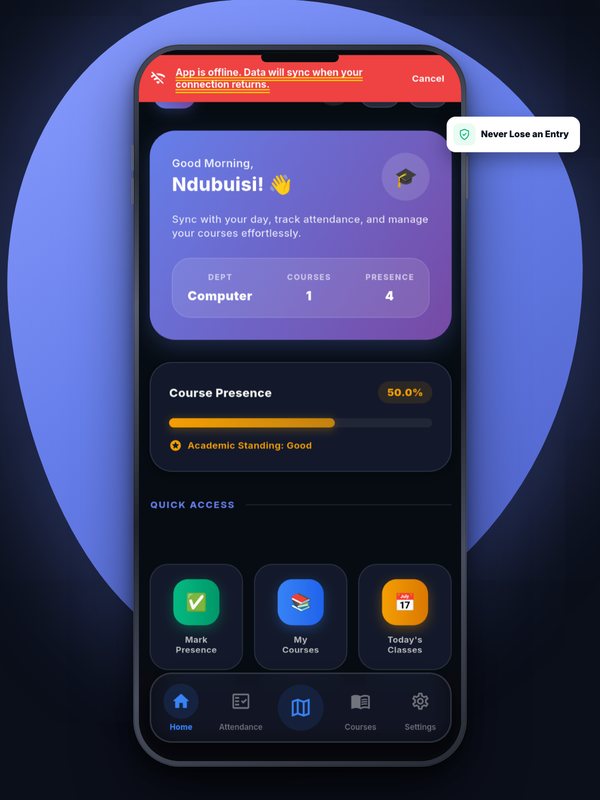
Anyone who has tried to load a web page in a crowded lecture hall knows the problem: three hundred phones, one overloaded cell mast, and a signal that comes and goes. An attendance system that needs a perfect connection at the exact moment of check-in will fail students who did nothing wrong.
Check in now, send later

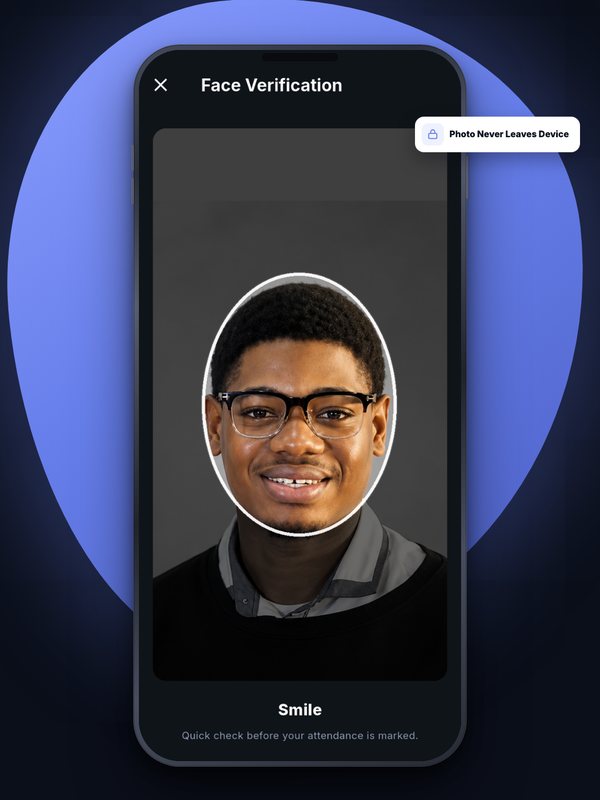
In the Attenova app, a check-in doesn’t depend on the network being up at that second. The student still enters the code, the phone still takes its GPS reading, and the face check still happens on the device. If the request can’t reach our server, the completed check-in is saved securely on the phone with the exact time it was made.
As soon as the connection comes back — a minute later, or after the student has walked out into better signal — the app sends it automatically. The student doesn’t have to remember to retry.
Judged by when it happened, not when it arrived
When a saved check-in reaches the server, it is judged against the time it was actually made, not the time it finally arrived. A student who marked inside the attendance window, but only got signal after the window closed, isn’t penalised for the network.
What offline mode doesn’t change
Offline check-in is not a loophole. Everything that makes a check-in valid is still required — the right code, a location inside the classroom radius, the student’s own face — and all of it is checked again by the server when the check-in arrives. Each saved check-in carries a unique ID, so it can only ever be counted once, and it is marked as having been captured offline so lecturers can see that it was.
On the web app
The web version of Attenova, used in a phone browser, needs a connection to mark attendance, because browsers can’t safely hold a check-in in the background the way the app can. For the most reliable experience on a patchy network, we recommend the Android app.
The result: a weak network becomes an inconvenience rather than a missed class.

Attenova Team
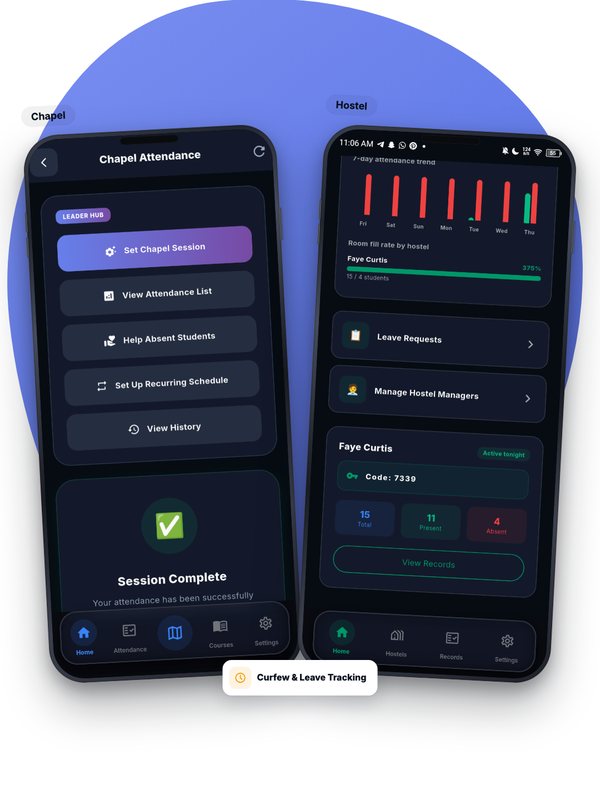
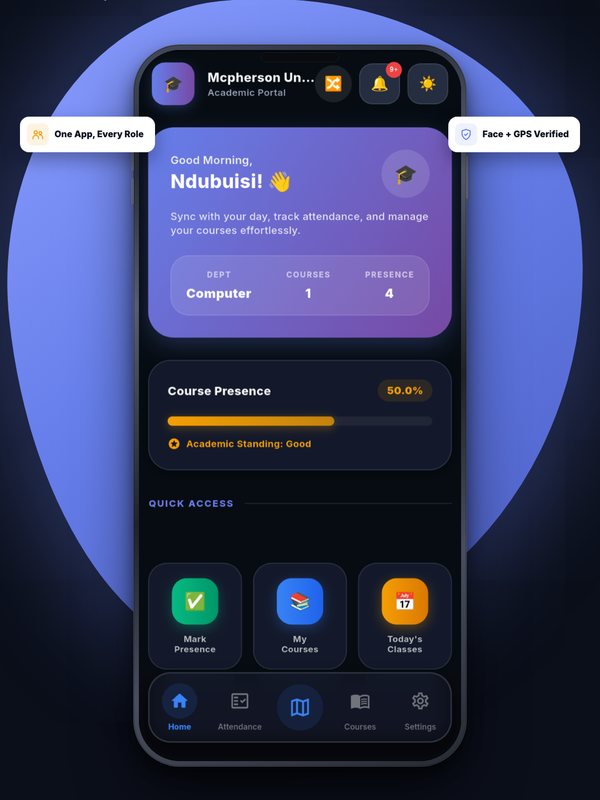
We build Attenova at DWS CODES LTD — GPS- and face-verified attendance for classes, chapel, exams, events and hostels, at no cost to universities.
Leave a Comment