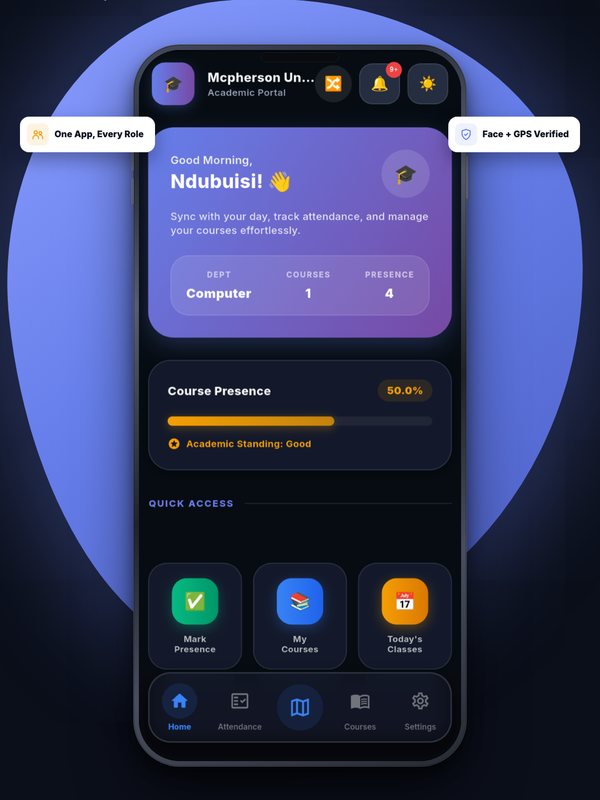
Adopting a new campus system usually means procurement, hardware and a long rollout. Attenova is designed to avoid all three: there is nothing for the university to buy and nothing to install. Here is what getting started looks like.
1. A conversation
It starts with a call or a meeting with the university’s management. We walk through how Attenova would work for that campus — classes, exams, chapel, hostels and events — and which features the university wants switched on. There is no cost to the university.
2. Setting up the university
We create the university on Attenova and set up its administrators. Administrators then decide who can access the staff side: lecturers and hostel managers can only register with an email address the university has approved, so outsiders can’t sign up as staff. Administrator accounts are protected with a one-time code sent by email at sign-in.
3. Lecturers set up their courses

Lecturers create their courses and classes — one-off or recurring every week — and set where each class takes place. If a lecturer needs help getting started, our team can assist with the setup.
4. Students join
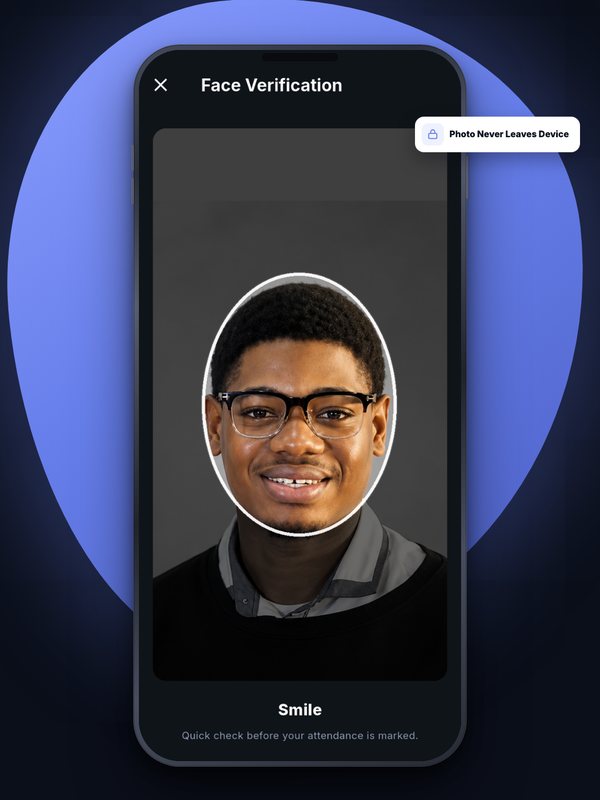
Students download the Android app from Google Play, or use the web app in any phone browser, including on iPhone. They register with their matric number, confirm their email, enrol their face once, and join their courses. Hostel students choose their hostel and room in the app.
5. Activation
Students activate their account each semester with a small activation fee — at most ₦5,000, and less at some universities — paid securely in the app. The university receives 10% of every activation.
6. Day to day

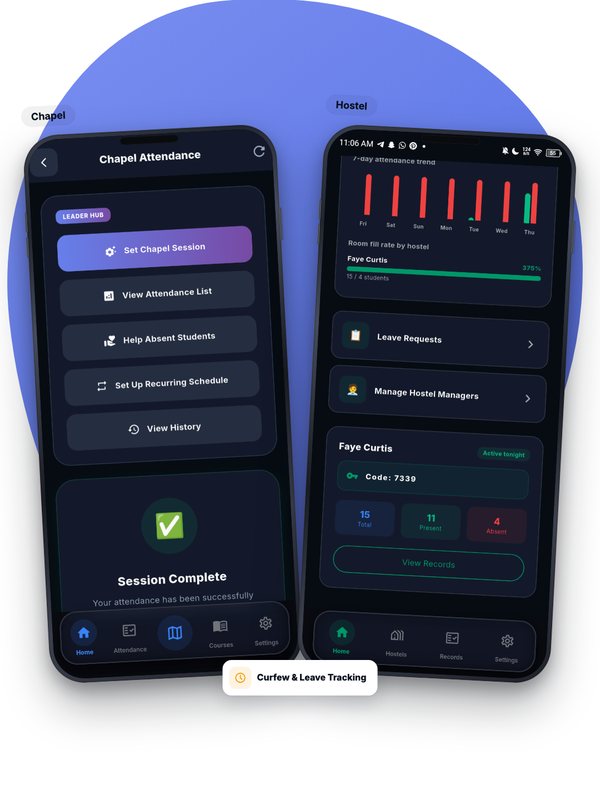
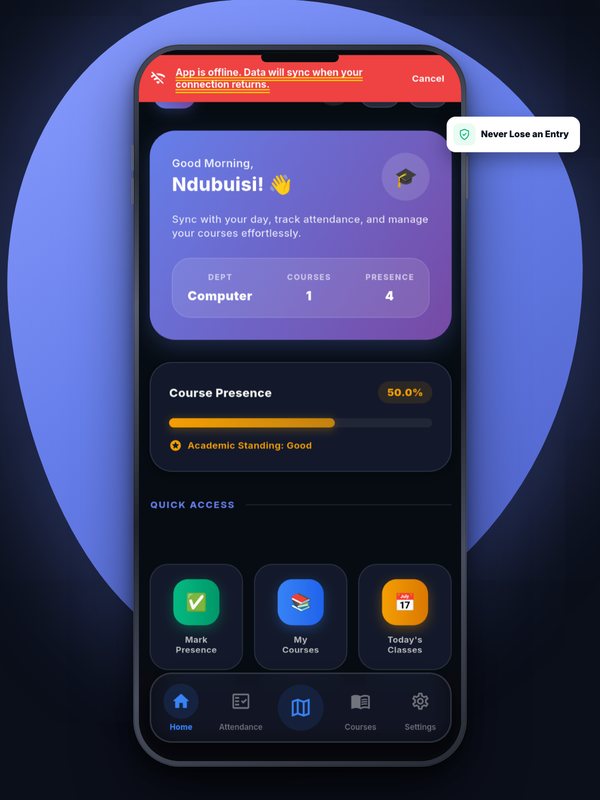
From then on, lecturers share a code or QR code in class and students check in with GPS and face verification. Administrators see school-wide attendance, management can receive a weekly summary by email, and every report can be downloaded as Excel or PDF.
Interested in bringing Attenova to your university? Get in touch and we’ll arrange a demo.

Attenova Team
We build Attenova at DWS CODES LTD — GPS- and face-verified attendance for classes, chapel, exams, events and hostels, at no cost to universities.
Leave a Comment