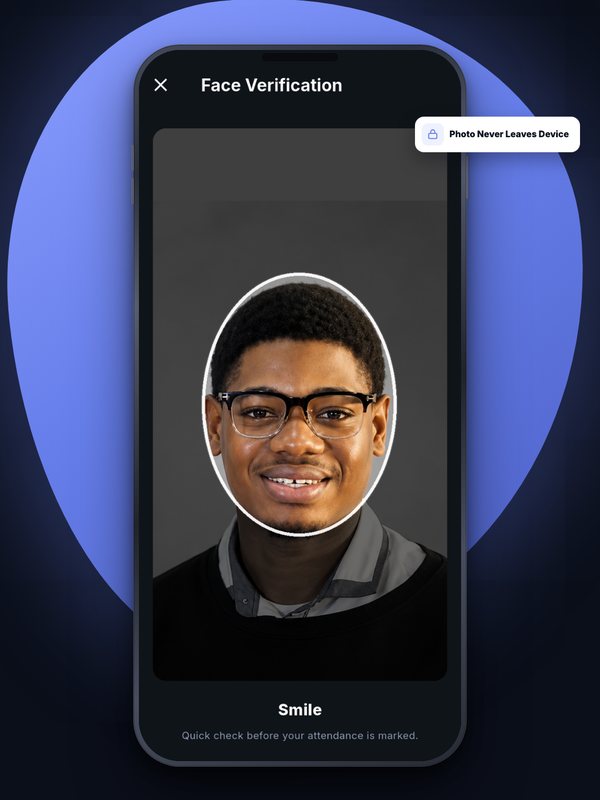
From the student’s side, marking attendance with Attenova takes about 30 seconds: open the app, enter the class code, look at the camera, done. Behind that short moment are several separate checks, and every one of them has to pass. Here is what actually happens.
1. The lecturer opens the class
When a lecturer creates a class, they set where it happens and how close students must be — the radius, typically somewhere between 50 and 200 metres depending on the building. At the start of the lecture they share the class code, or put up a QR code students can scan instead. The code only works while the attendance window for that class is open.
2. The student enters the code
The student opens Attenova, picks today’s class and types the code (or scans the QR code). A wrong code, or a code from a different class, is rejected straight away. A code shared after the window closes does nothing.
3. The phone finds its location

The app takes a fresh GPS reading — never an old, cached one — and waits for a reasonably accurate fix. If the phone is running a fake-GPS or location-spoofing app, the check-in is refused.
The location is then checked on our server, not just on the phone: the server measures the distance between the student and the classroom. Outside the radius, the check-in is rejected, and the student sees how far away they are.
4. Face verification and a liveness check
When the student first set up their account, they enrolled their face. At check-in, the app compares a fresh capture against that enrolment — on the phone itself, so the photo doesn’t need to be uploaded.
To make sure it’s a real person and not a photo or a video on another screen, the app asks for a quick random action: blink, smile, or turn your head. Because the action is random each time, a recording made in advance won’t match.
5. Marked — with a record of how

Only when the code, location and face all pass is the student marked present. The record keeps the time, the GPS position and its accuracy, and how the mark was made, so a lecturer can always see the detail behind any entry.
6. Staying for the class
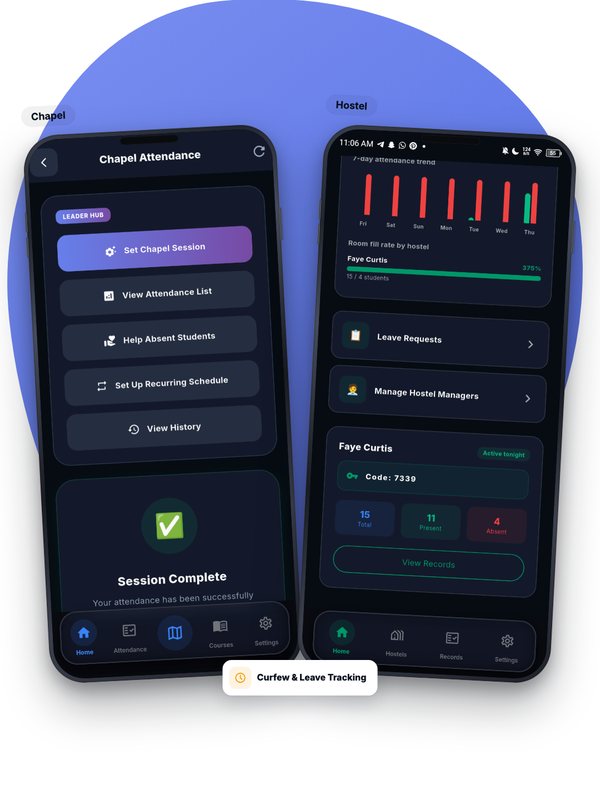
Checking in and walking straight back out doesn’t work either. If a student who has marked leaves the classroom area during the class, Attenova flags it to the lecturer.
Why so many layers?
Each layer on its own can be worked around. A code can be forwarded on WhatsApp. A location can be faked. A face can be held up on a photo. Requiring all of them at once, at the same moment, is what makes proxy attendance impractical — while still keeping the whole thing to about half a minute for an honest student.

Attenova Team
We build Attenova at DWS CODES LTD — GPS- and face-verified attendance for classes, chapel, exams, events and hostels, at no cost to universities.
Leave a Comment